Table of Contents
Most websites are built for one type of user
Sighted. Using a mouse. On a desktop or a phone. No assistive technology. No cognitive or motor impairments affecting how they navigate a page.
That profile covers a lot of people. It does not cover everyone. And building a website that only works for that profile is both a missed audience and, depending on the business, a legal exposure.
Web accessibility is the practice of designing and building websites that work for people regardless of how they access them. It is not a niche concern for large institutions. It is a baseline standard that applies to any business with a public-facing website, and the legal landscape around it has been shifting in ways that small and mid-sized businesses are increasingly feeling.
This post covers what web accessibility actually means, what the standards require, what the law says, and what practical steps make a site more accessible without a full rebuild.
What Web Accessibility Actually Means
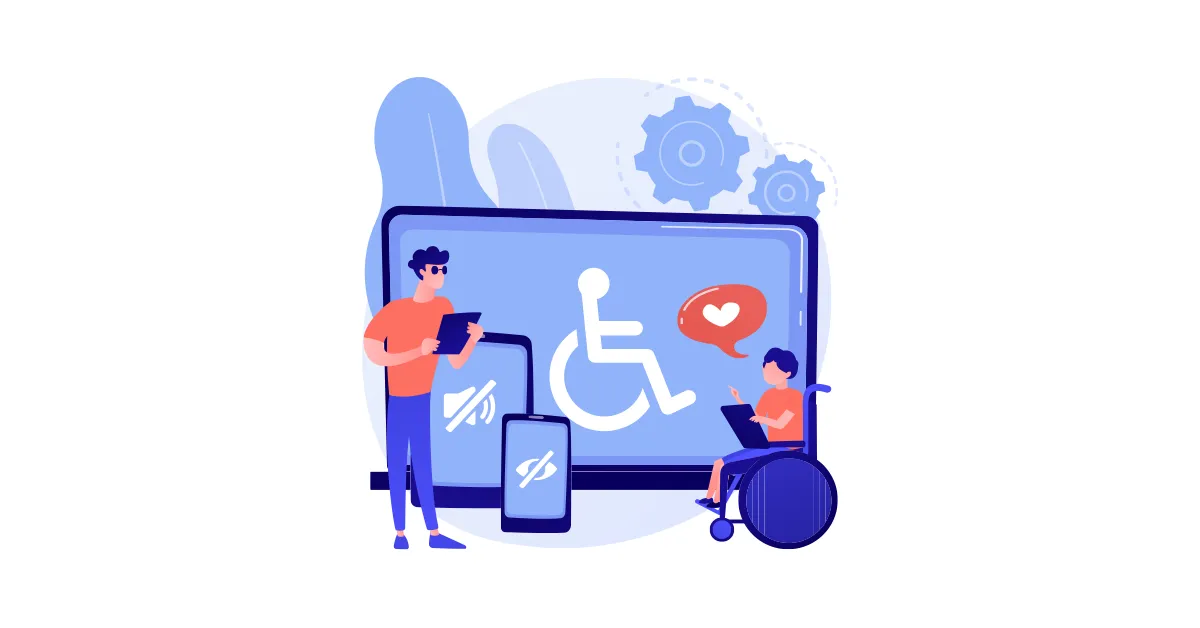
Web accessibility means that people with disabilities can perceive, understand, navigate, and interact with a website effectively. That covers a wider range of situations than most people picture when they first hear the term.
Visual impairments including low vision and blindness. Users who rely on screen readers to navigate a page need properly structured headings, descriptive image alt text, and labeled form fields to interact with the content at all.
Hearing impairments. Video and audio content needs captions or transcripts for users who cannot hear it.
Motor impairments. Users who cannot use a mouse and navigate by keyboard only need a site where every interactive element is reachable and operable without a pointing device.
Cognitive impairments. Clear language, consistent navigation, and predictable page behavior benefit users with cognitive disabilities and frankly benefit every user regardless of ability.
Temporary and situational limitations also fall under this umbrella. A broken arm, a screen in bright sunlight, a slow connection, a noisy environment. Accessible design handles edge cases that affect far more people than the formal disability categories suggest.
The Standards: What WCAG Actually Requires
The Web Content Accessibility Guidelines, known as WCAG, are the internationally recognized technical standard for web accessibility. They are published by the World Wide Web Consortium and organized around four core principles.
Perceivable:
Information and interface components must be presentable to users in ways they can perceive. This includes text alternatives for non-text content, captions for video, and sufficient color contrast between text and background.
Operable:
Interface components and navigation must be operable. This means full keyboard accessibility, no content that flashes in ways that could trigger seizures, and enough time for users to read and use content.
Understandable:
Information and the operation of the interface must be understandable. This covers readable language, predictable navigation behavior, and helpful error identification in forms.
Robust:
Content must be robust enough to be interpreted reliably by a wide variety of user agents including assistive technologies. This is largely about clean semantic HTML and proper use of ARIA labels where needed.
WCAG is organized into three conformance levels. Level A covers the most critical barriers. Level AA is the standard most legal requirements reference and the target most businesses should be working toward. Level AAA is the highest level and is generally not required as a blanket standard.
What the Law Says
Website accessibility compliance in the United States sits at the intersection of several legal frameworks and the picture has been getting clearer, and more consequential, over the past several years.
The Americans with Disabilities Act
The ADA was passed in 1990 before the web existed in any meaningful form. Its application to websites has been established through court decisions rather than explicit statutory language. Title III of the ADA covers places of public accommodation and courts have consistently ruled that websites operated by businesses open to the public qualify.
ADA website compliance has driven a significant volume of demand letters and lawsuits, many targeting small and mid-sized businesses. The argument is straightforward. If a website is inaccessible to a person with a disability it denies them equal access to the goods and services the business offers.
The DOJ Final Rule
In April 2024 the Department of Justice issued a final rule under Title II of the ADA establishing WCAG 2.1 Level AA as the technical standard for state and local government websites. While Title II applies specifically to government entities, the rule signals the direction of federal enforcement and has accelerated attention to accessibility standards across the private sector as well.
Section 508
Federal agencies and organizations receiving federal funding are required to meet Section 508 standards which align closely with WCAG 2.1 Level AA. For businesses that contract with or receive funding from federal sources this is a direct requirement rather than a risk to manage.
The practical reality for small businesses
Demand letters targeting inaccessible websites have been sent to businesses of all sizes. A small retail site, a local service business, a restaurant with an online menu. The legal exposure is real and the cost of addressing it after a demand letter arrives is significantly higher than building accessibility in from the start.
What Makes a Website More Accessible
Accessible web design does not require starting over. Many of the most impactful improvements are implementable on existing sites without a full rebuild.
Image Alt Text
Every image on a site should have descriptive alt text that communicates what the image shows or its function. Decorative images should have empty alt attributes so screen readers skip them. This is one of the most common accessibility failures and one of the easiest to fix.
Heading Structure
Headings should follow a logical hierarchy. One H1 per page, H2s for major sections, H3s for subsections within those. Screen reader users navigate by heading structure the way sighted users scan visually. A page with no headings or headings used purely for visual styling rather than structure is difficult to navigate without sight.
Color Contrast
Text needs sufficient contrast against its background to be readable by users with low vision or color blindness. WCAG Level AA requires a contrast ratio of at least 4.5 to 1 for normal text and 3 to 1 for large text. This is testable with free tools and fixable with CSS.
Keyboard Navigation
Every interactive element on a site, links, buttons, form fields, dropdown menus, should be reachable and operable using only a keyboard. Tab order should follow the visual layout of the page logically.
Form Labels
Every form field needs a visible label that is programmatically associated with the input. Placeholder text inside a field does not count as a label. When a field loses focus the placeholder disappears and the user has no reference for what the field requires.
Video Captions
Any video content with meaningful audio needs accurate captions. Auto-generated captions from platforms like YouTube are a starting point but they require review and correction before they meet the standard.
Focus Indicators
The visible outline that appears around a focused element when navigating by keyboard should never be removed with CSS. It is the primary navigation signal for keyboard users and removing it for aesthetic reasons creates a significant barrier.
Accessibility and WordPress
WordPress has made meaningful progress on accessibility in recent years. Core WordPress and most well-maintained themes aim for WCAG 2.1 Level AA compliance. The gaps typically come from plugins, custom theme modifications, and content decisions made during the build.
Common WordPress accessibility issues include contact form plugins that do not properly label fields, image sliders that autoplay without controls, navigation menus that are not keyboard accessible, and custom JavaScript interactions that do not manage focus correctly.
An accessibility audit on an existing WordPress site typically surfaces a manageable list of specific issues rather than a systemic failure requiring a rebuild. Addressing the findings methodically brings most sites into reasonable conformance without significant additional development.
Why Accessibility Is Also Good Design
Every accessibility improvement listed above makes the site better for every user, not just users with disabilities.
Clear heading structure improves readability and SEO. Sufficient color contrast is easier to read in direct sunlight on a mobile screen. Keyboard accessibility benefits power users who prefer not to use a mouse. Descriptive alt text feeds image search and screen readers alike. Logical form labels reduce abandonment for everyone.
Accessible web design and good design are not in tension. They reinforce each other. The sites that score well on accessibility audits tend to be the sites that are also faster, cleaner, and easier to use across the board.
What is web accessibility and why does it matter for my business?
Web accessibility means building a website that people with disabilities can use effectively, including people who rely on screen readers, keyboard navigation, or other assistive technologies. It matters for two reasons. First, an inaccessible site excludes a meaningful portion of potential customers. Second, businesses with inaccessible websites face real legal exposure under the ADA and related regulations, and that exposure extends to businesses of all sizes.
What is WCAG and what level do I need to meet?
WCAG stands for Web Content Accessibility Guidelines. They are the internationally recognized technical standard for web accessibility published by the World Wide Web Consortium. Most legal requirements and best practice recommendations reference WCAG 2.1 Level AA as the target standard. Level A covers the most critical barriers and Level AAA is the highest level but generally not required as a blanket requirement for most businesses.
Does the ADA apply to my business website?
f your business is open to the public and your website serves as a point of access to your goods or services, courts have consistently ruled that the ADA applies. This includes small and mid-sized businesses across most industries. The volume of demand letters and lawsuits targeting inaccessible websites has increased significantly over the past several years and the targets include businesses well below the enterprise level.
How do I know if my website has accessibility problems?
A basic starting point is running your site through a free automated tool like the WAVE Web Accessibility Evaluation Tool at wave.webaim.org. Automated tools catch a meaningful percentage of common issues including missing alt text, contrast failures, and missing form labels. A full accessibility audit by a qualified reviewer covers the issues automated tools miss, particularly those requiring human judgment about context and usability.
Can an existing website be made accessible without rebuilding it?
In most cases yes. Accessibility improvements on an existing site typically involve targeted fixes rather than a full rebuild. Common remediation work includes adding or correcting alt text, fixing heading structure, improving color contrast, correcting form labels, and addressing keyboard navigation issues. The scope depends on how the site was originally built and what issues the audit surfaces.